Questions, answered

How it works, screen by screen.

The front door, the morning read, the tape, the booking, the money, the resume — what each one does, in plain words, with the screen itself beside the answer. Nothing here is a mockup.

Getting in

How do I sign in? I never set a password.

There isn't one. The front door asks for your email address and sends you a link; open it from your inbox and you're in. After the first time, your phone can remember you with Face ID or Touch ID.

The link works once and expires after fifteen minutes. If it has gone stale, ask for another from the same screen.
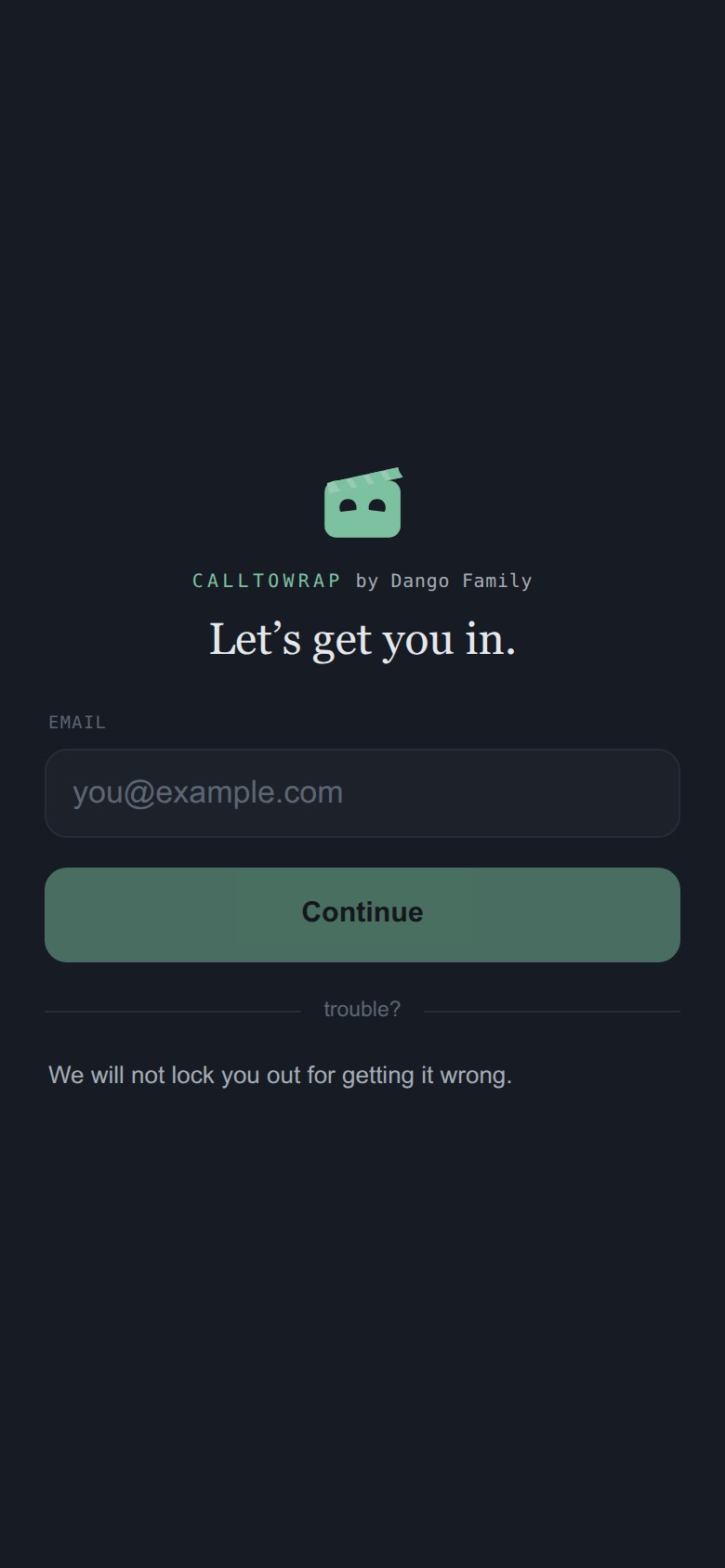
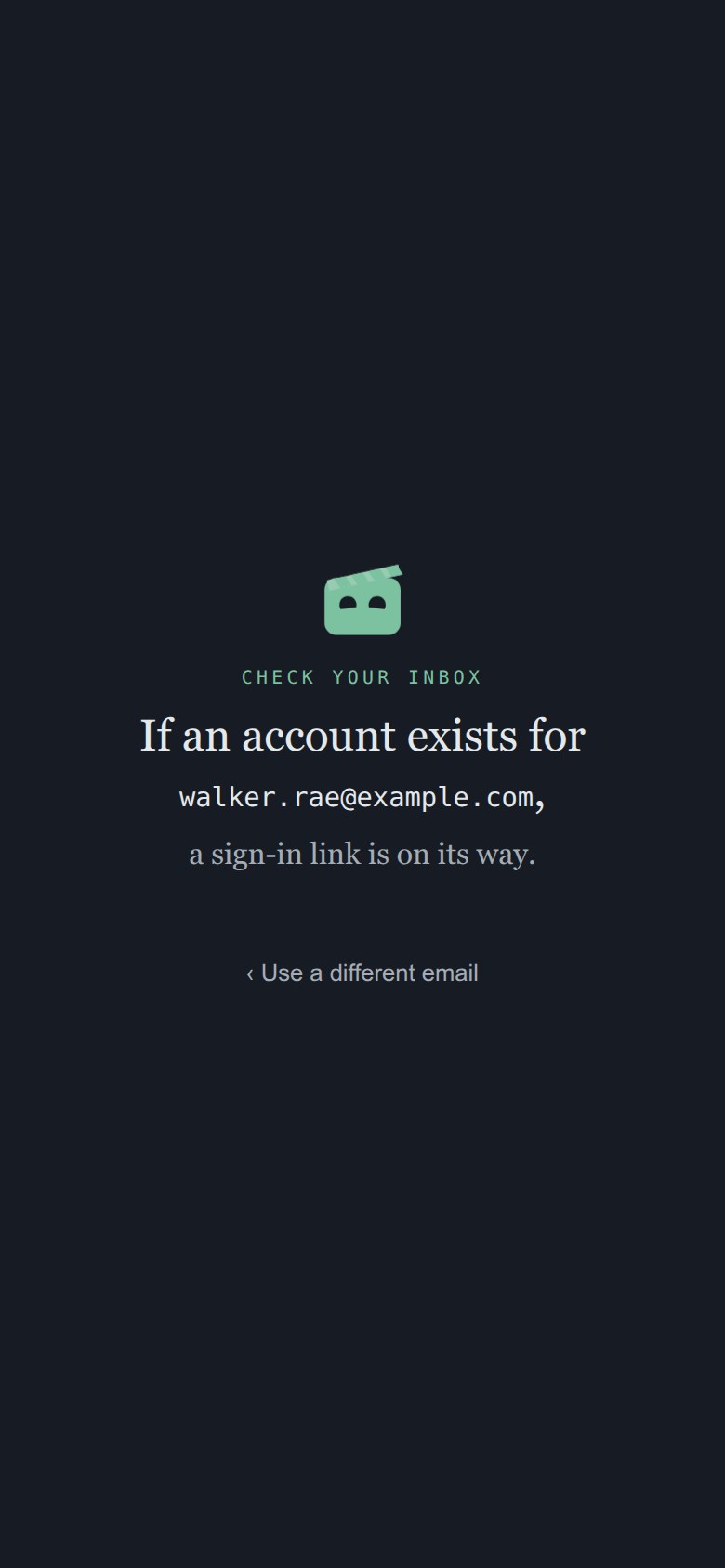
The front door: one field for an email address.
The front door.

Putting things in

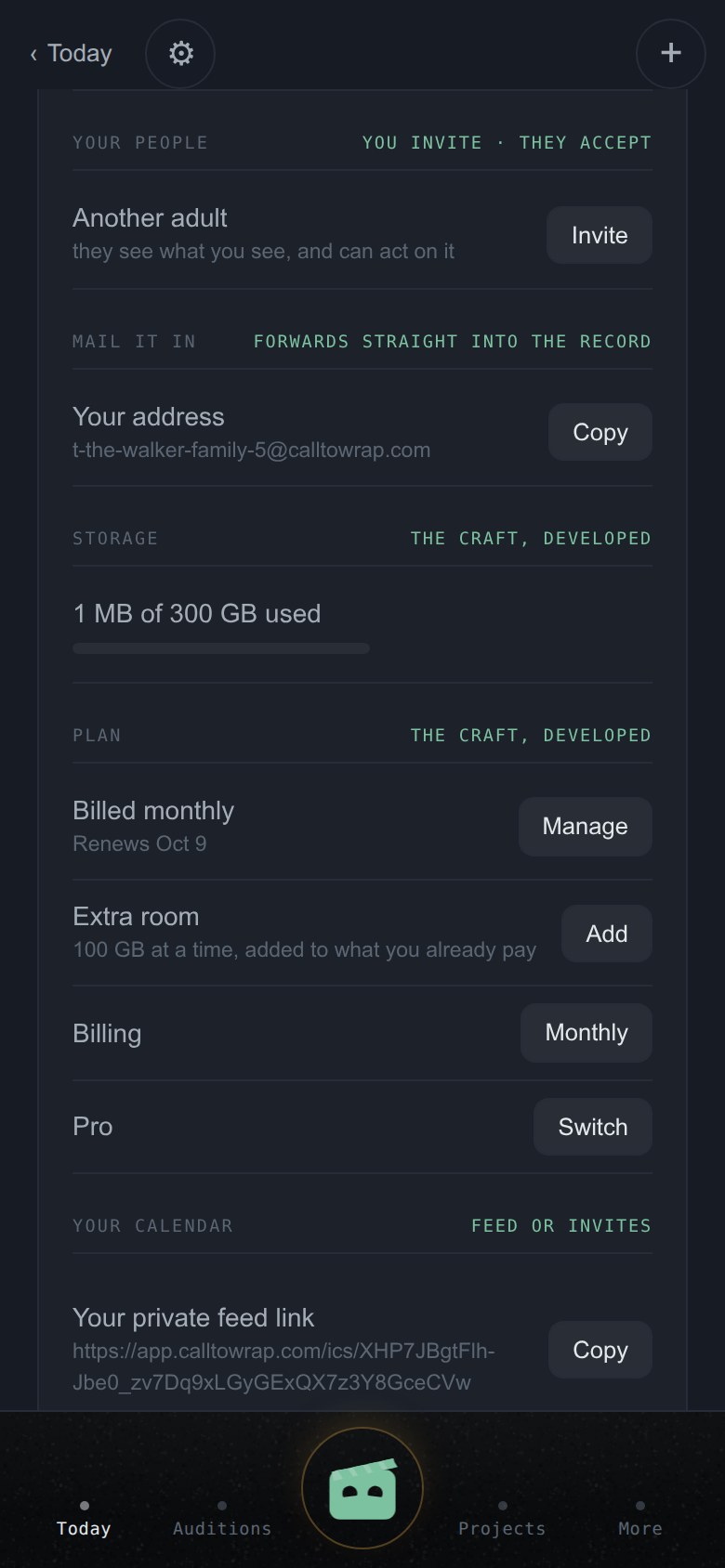
What is the address in Settings, and what do I send to it?

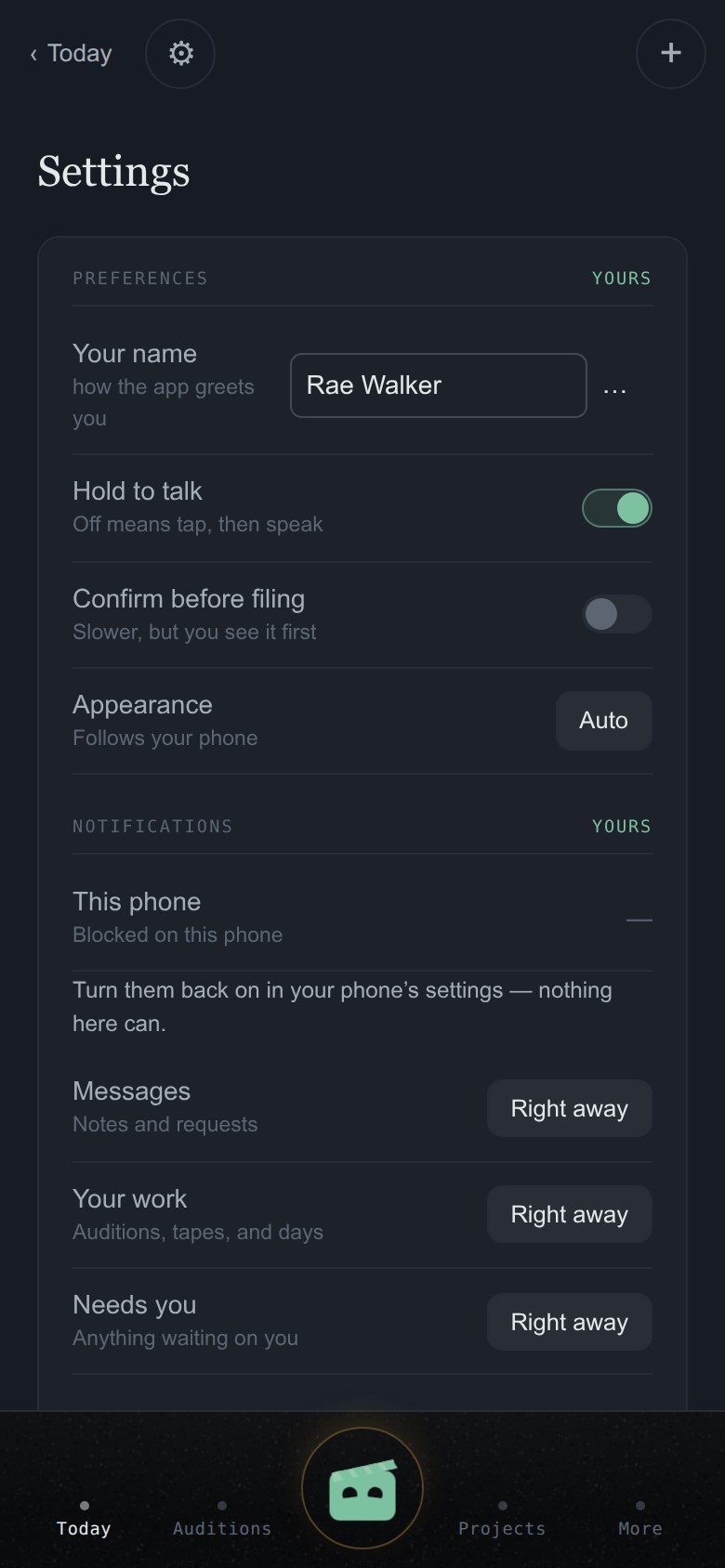
Your account has its own address at CallToWrap — it looks like yourname@calltowrap.com. Forward anything there: a breakdown from your agent, a self-tape request, a call sheet, a contract. Copy it once into your agent's contacts and the front door works from then on.

What arrives is kept exactly as it came, then read: an audition notice becomes an audition with the project, the part and the dates already filled in, waiting for you to approve it on Today. The proposal says where it came from and from whom.

Settings, showing the account's own mail-in address.
Your address, in Settings.

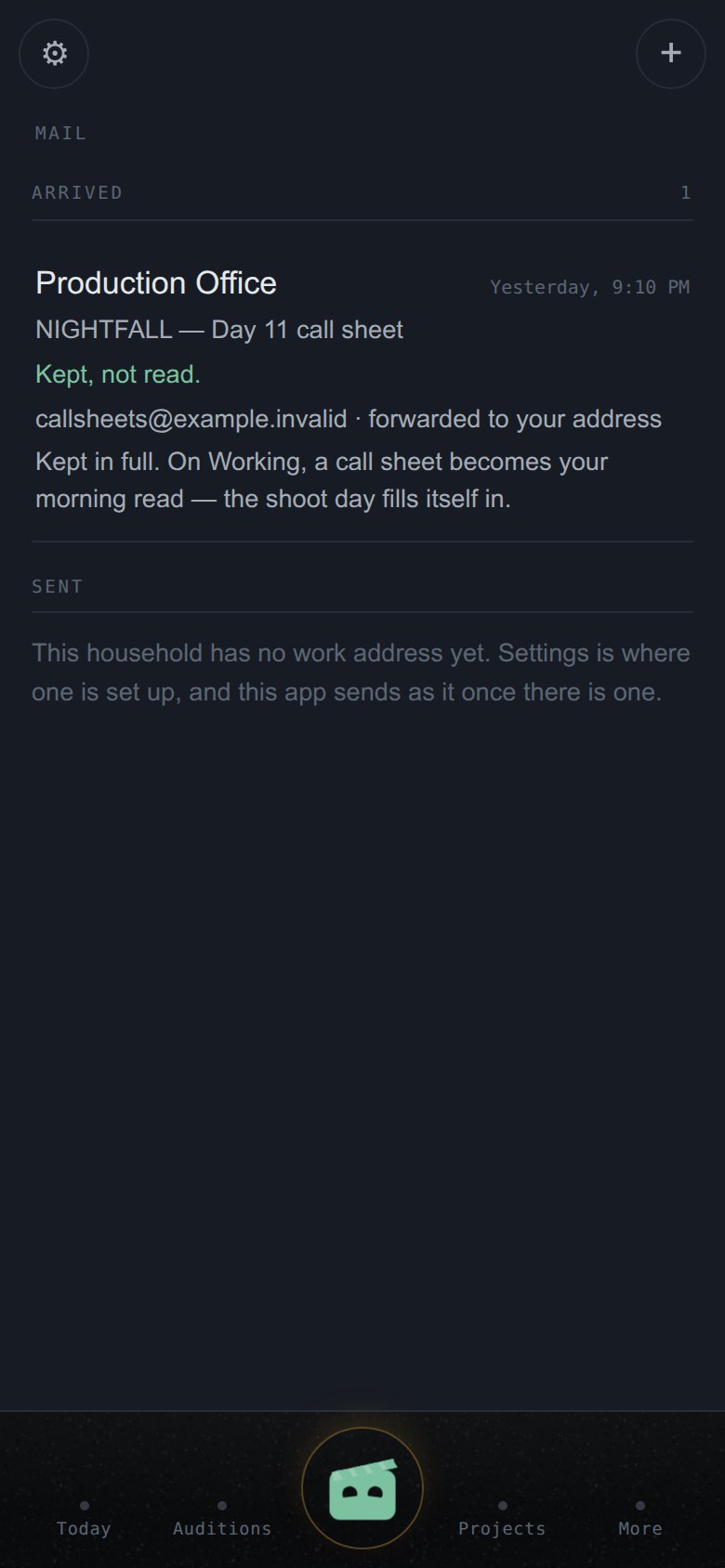
How do I know what happened to something I forwarded?

The Mail room lists everything that arrived and, beside each message, what it became — an audition, a shoot day, a payment — with a door to that record.

A message your plan keeps but does not read says so in plain words. A plan changes what gets read for you, never what is kept.

The Mail room: what arrived and what each message became.
Mail — what arrived, what it became.

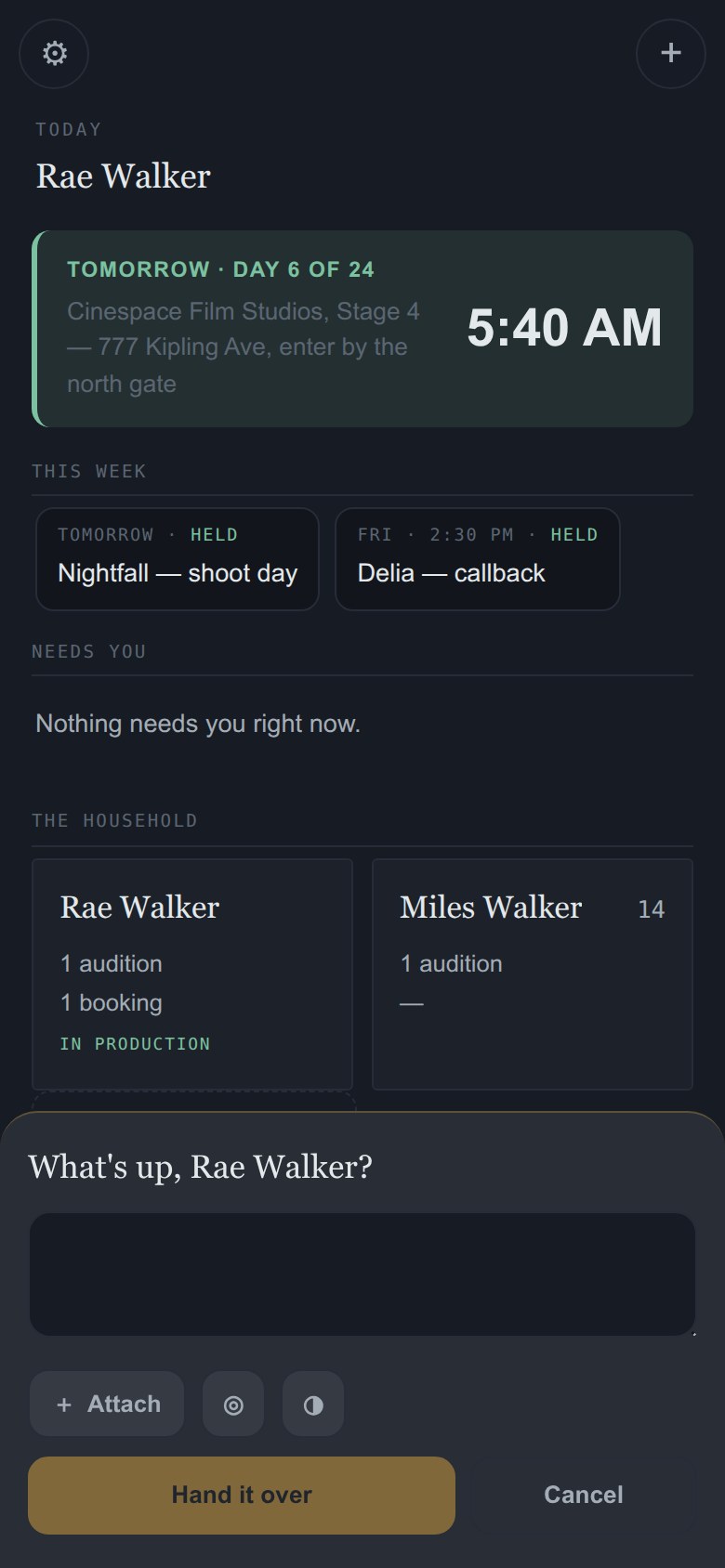
What does Clappy do?

Clappy sits in the middle of the bar and is how anything gets in by hand: a photo of a paper sides packet, a PDF someone sent you, a video file, a thought spoken out loud. Hand it over and the app files it and shows you the receipt — what was kept, and where it went. He is lit whenever he is listening, and he is the same door on every screen.

Clappy's capture sheet, open.
Clappy, listening.

Does it file what it reads as fact?

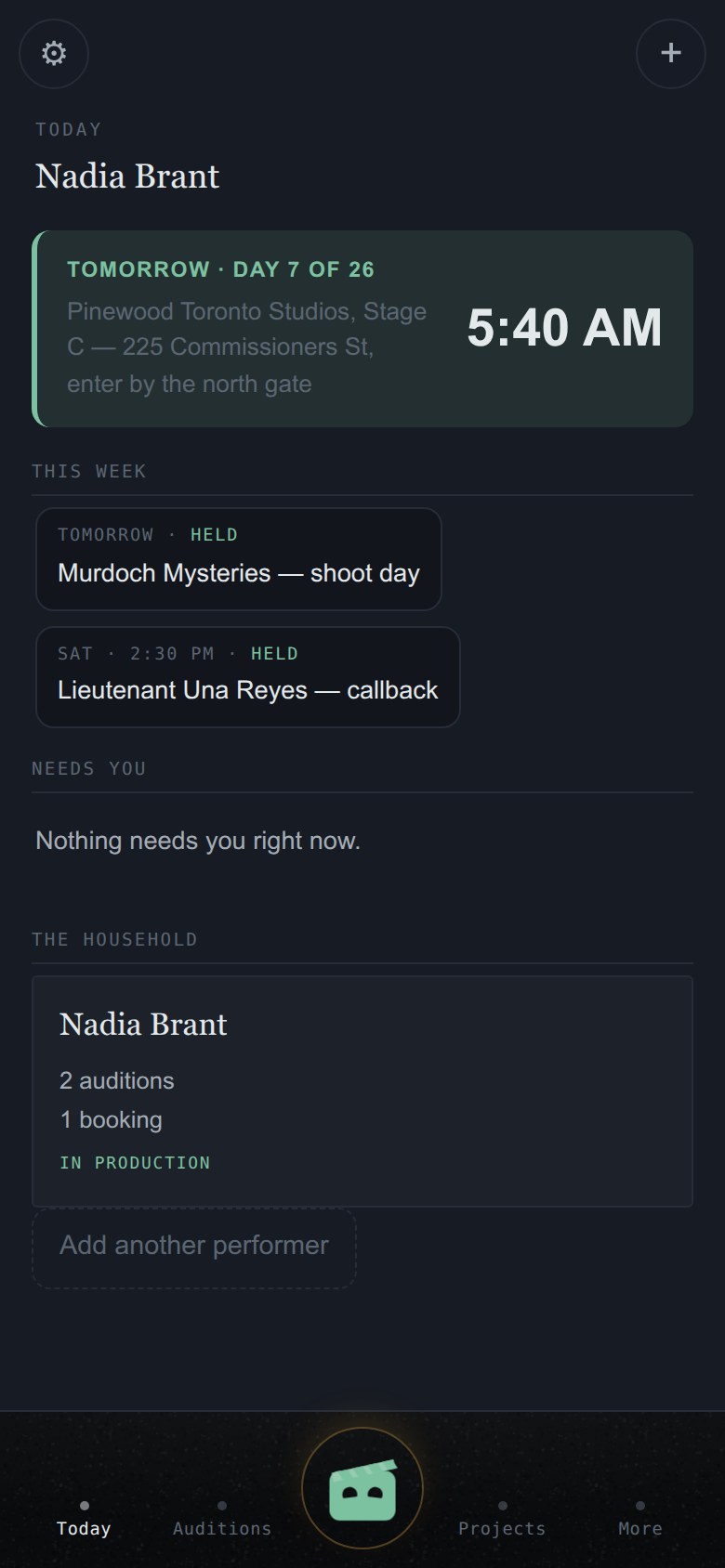
Never. When CallToWrap reads something on your behalf, it shows you a proposal on Today: here is what we think this says — approve it or decline it. Approving files it; declining discards it; either way you saw it first. The original document always outranks our reading of it.

Today, the morning read: the shoot-day band and this week.
Today — where proposals wait.

Auditions and tapes

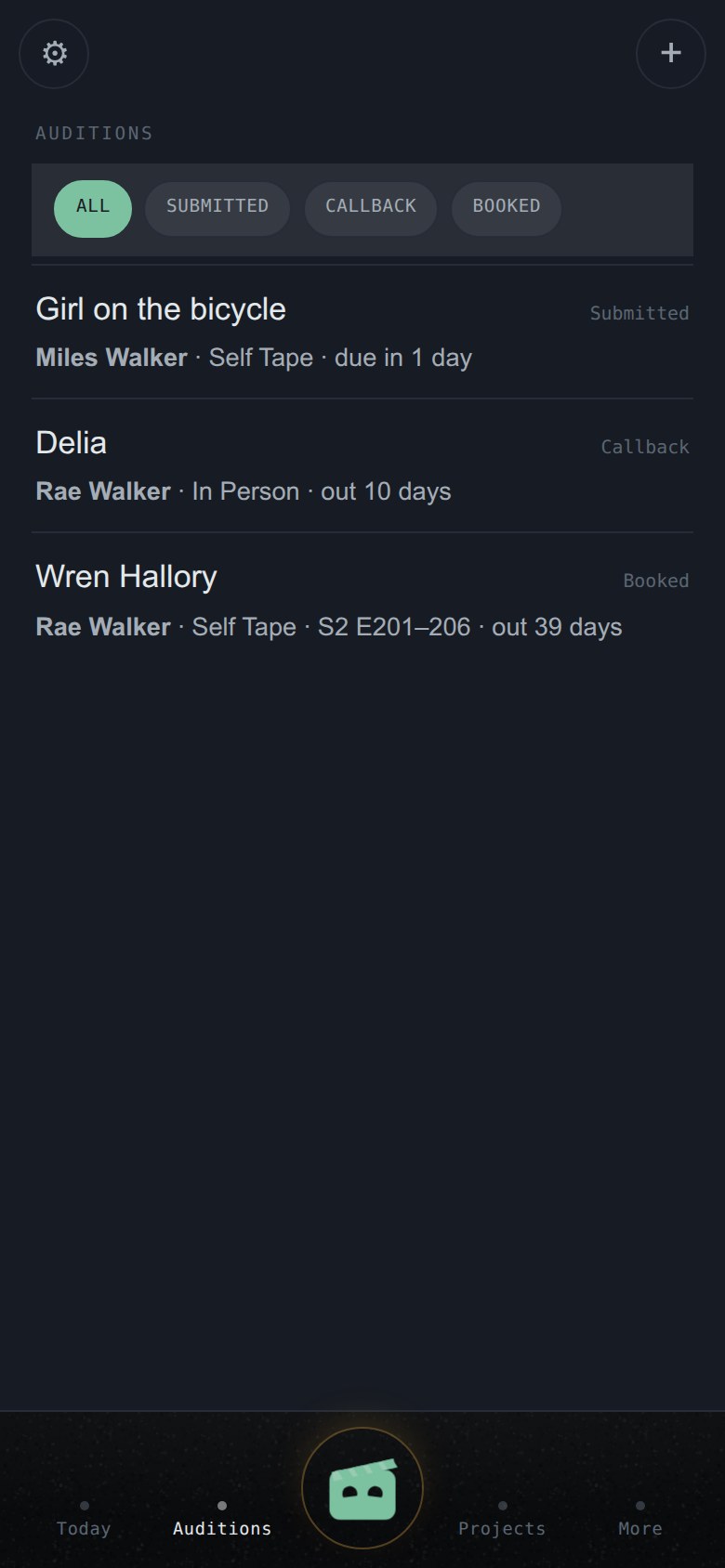
Where do I see everything that's out right now?

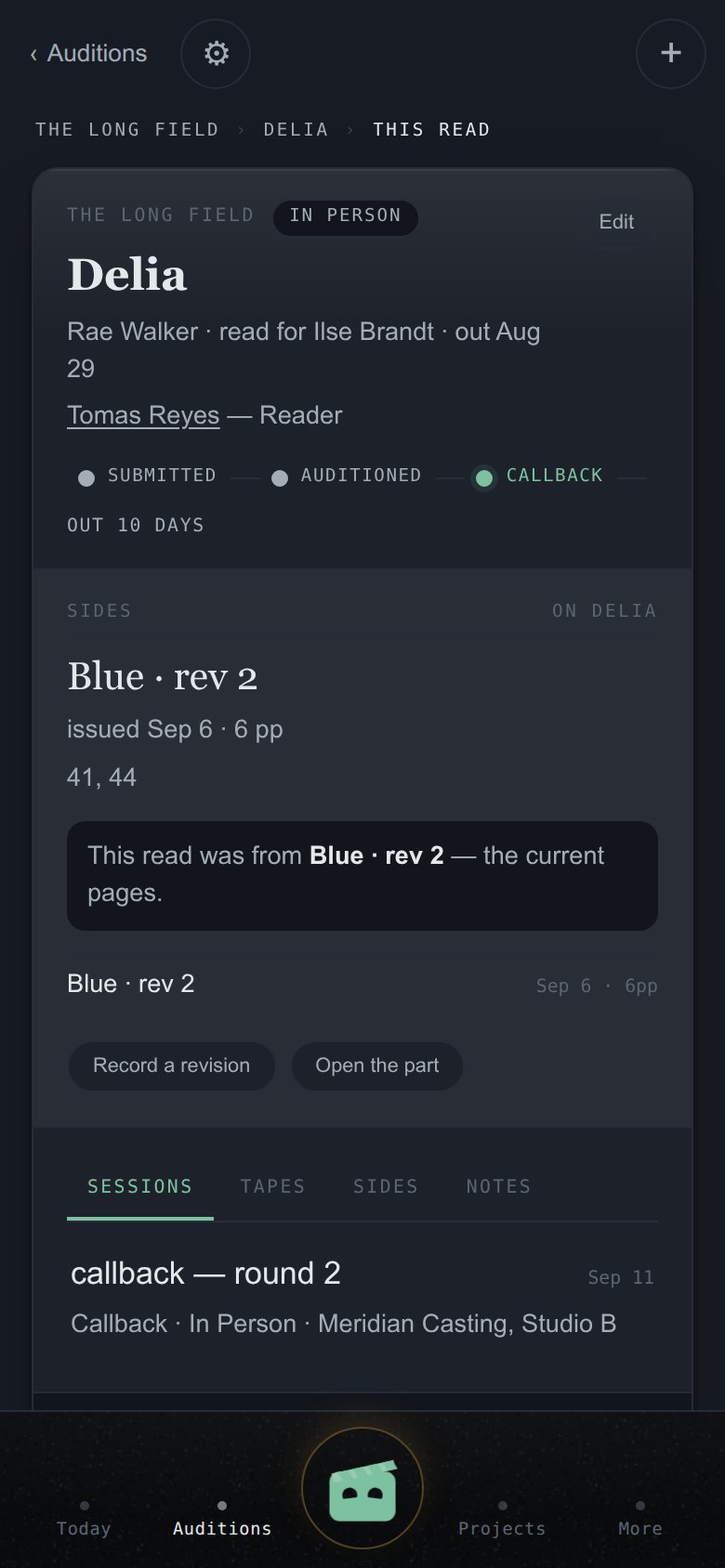
The Auditions tab is the working list — everything out, newest first. Each row carries the project, the part and where it stands. Stages are the ones the industry already uses — submitted → auditioned → callback → booked — always written in words.

The auditions list.
The working list.

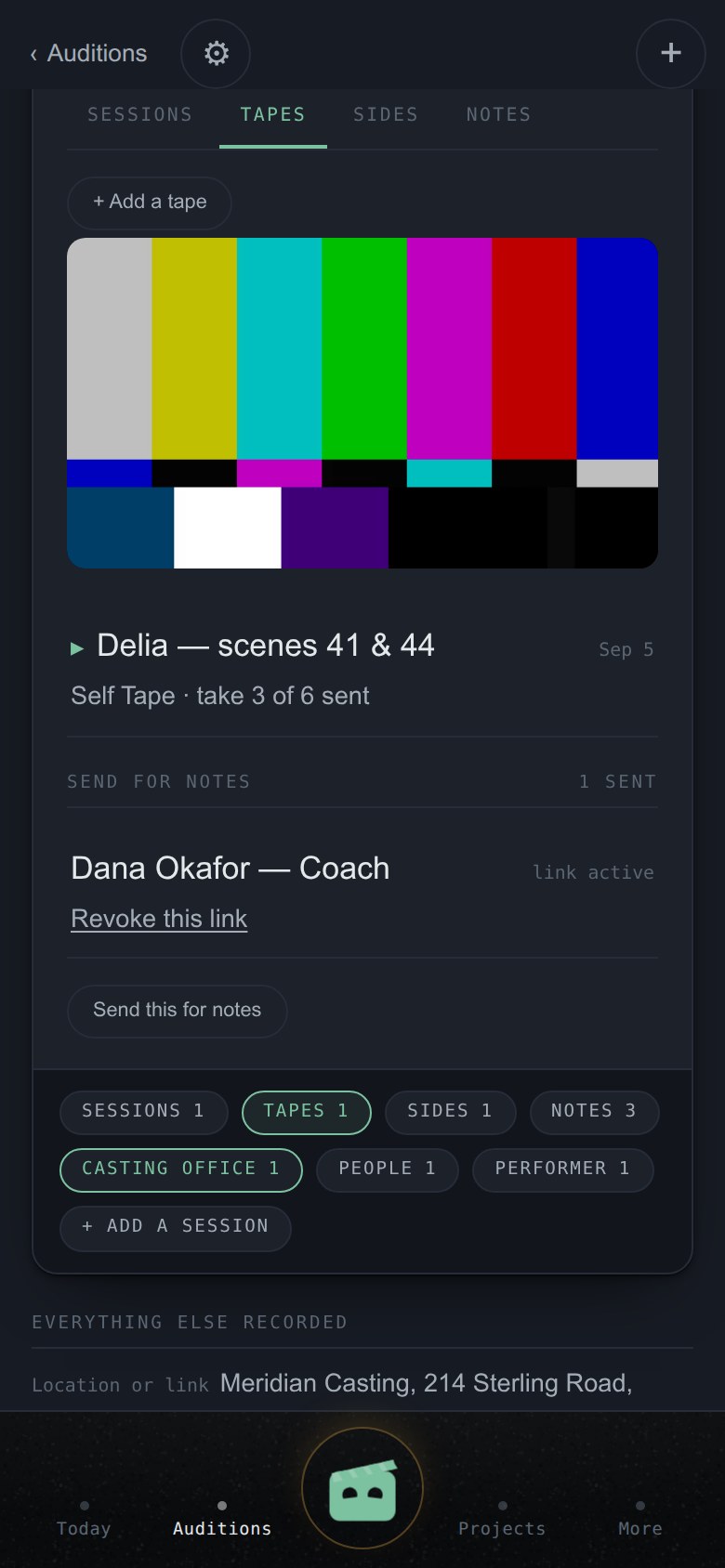
Where do my self-tapes live?

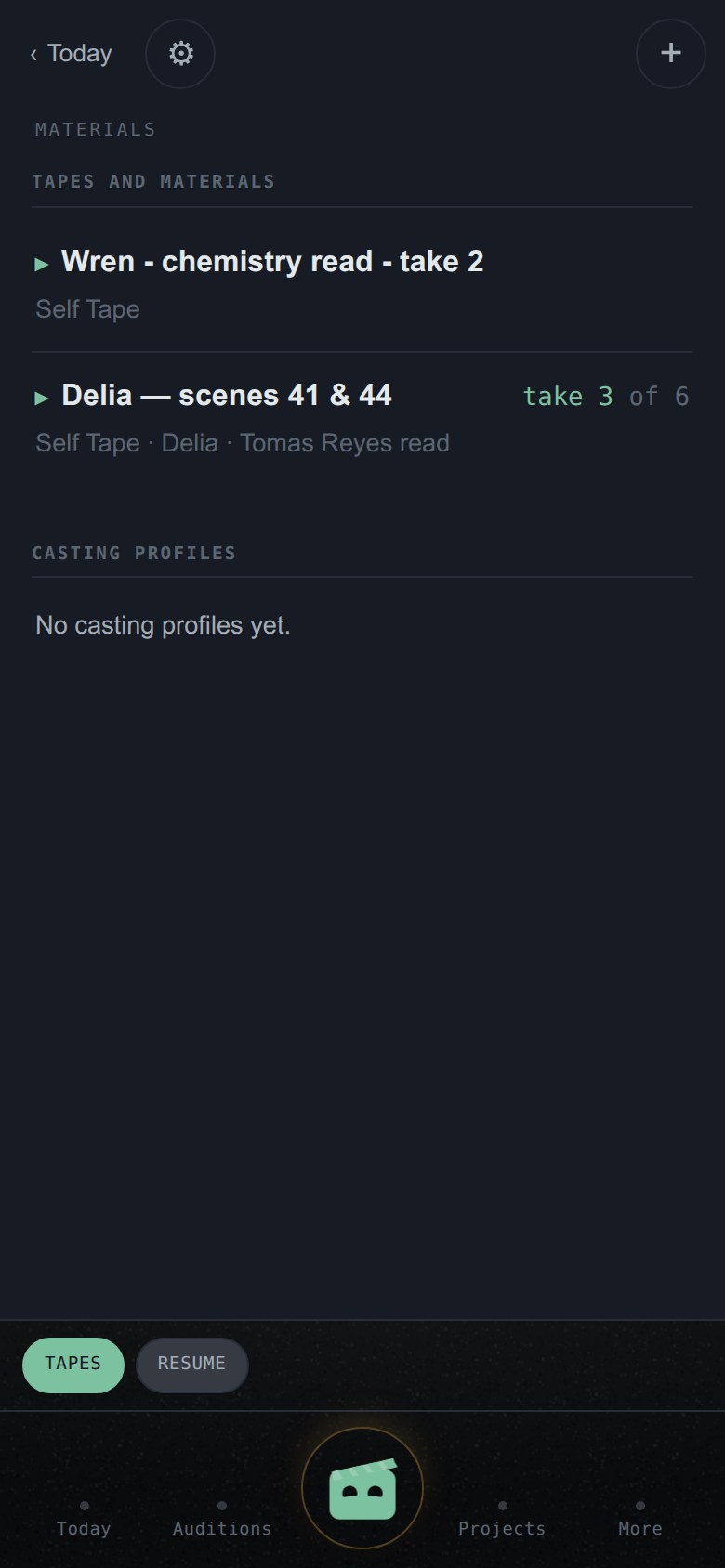
On their audition, under Tapes. Add one and the newest plays right there; every tape is its own record too — the read, the takes, what you noticed. Tapes stay at full quality for as long as your plan keeps files.

An audition's Tapes tab with a self-tape playing.
A tape, on its audition.

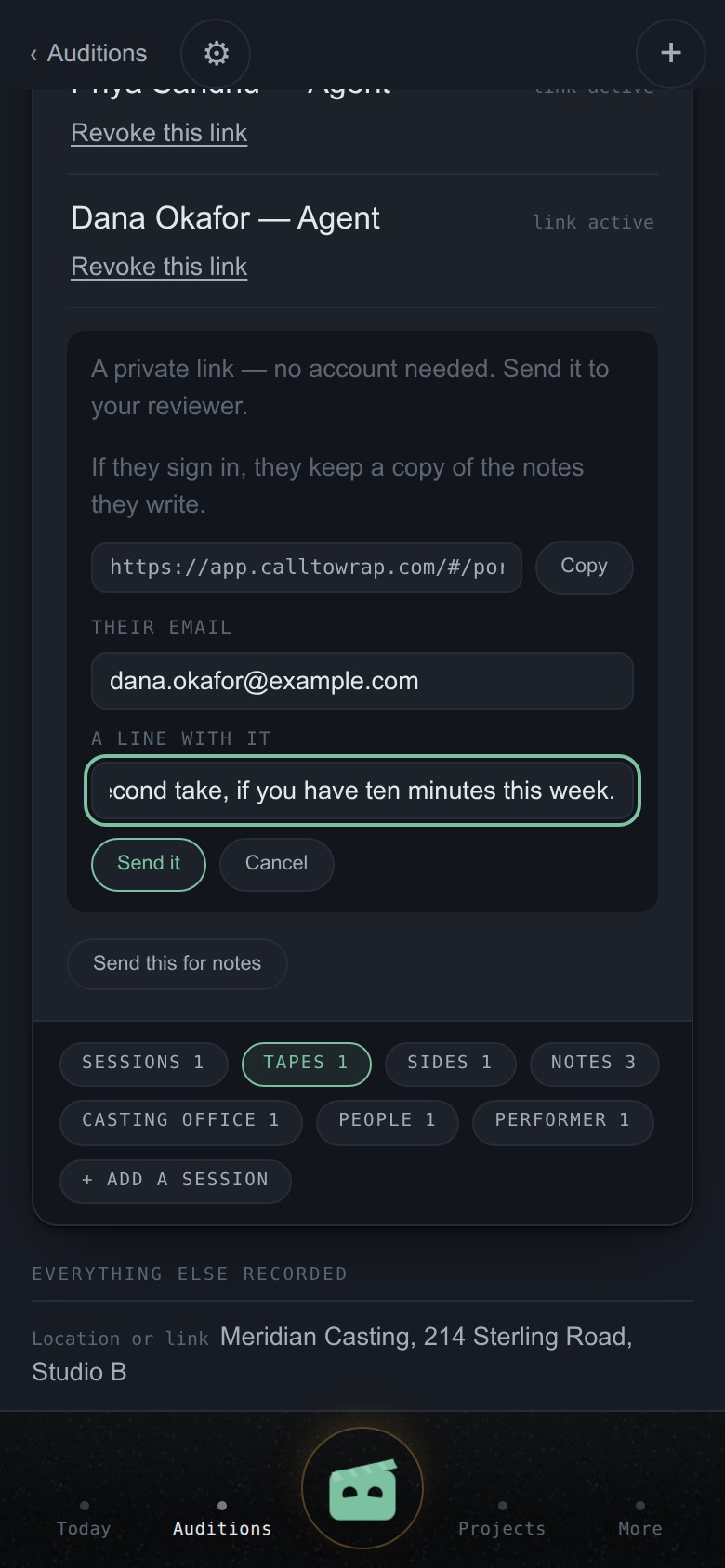
How do I get a coach's notes on a tape?

Open Send this for notes and make a link. It is private, needs no account, and opens just that tape — nothing else of yours. Copy it, or on Working press Email this link and it goes from your own work address, with a line from you if you want one. The receipt names who it went to and which address it went from.

The coach watches, marks moments, and their notes land on the audition's Notes tab. One honest thing, said at the moment you make the link: if they sign in, they keep a copy of the notes they write. You can revoke a link whenever you like.

Email this link — sending a private tape link from your account's work address.
Sent from your own address.

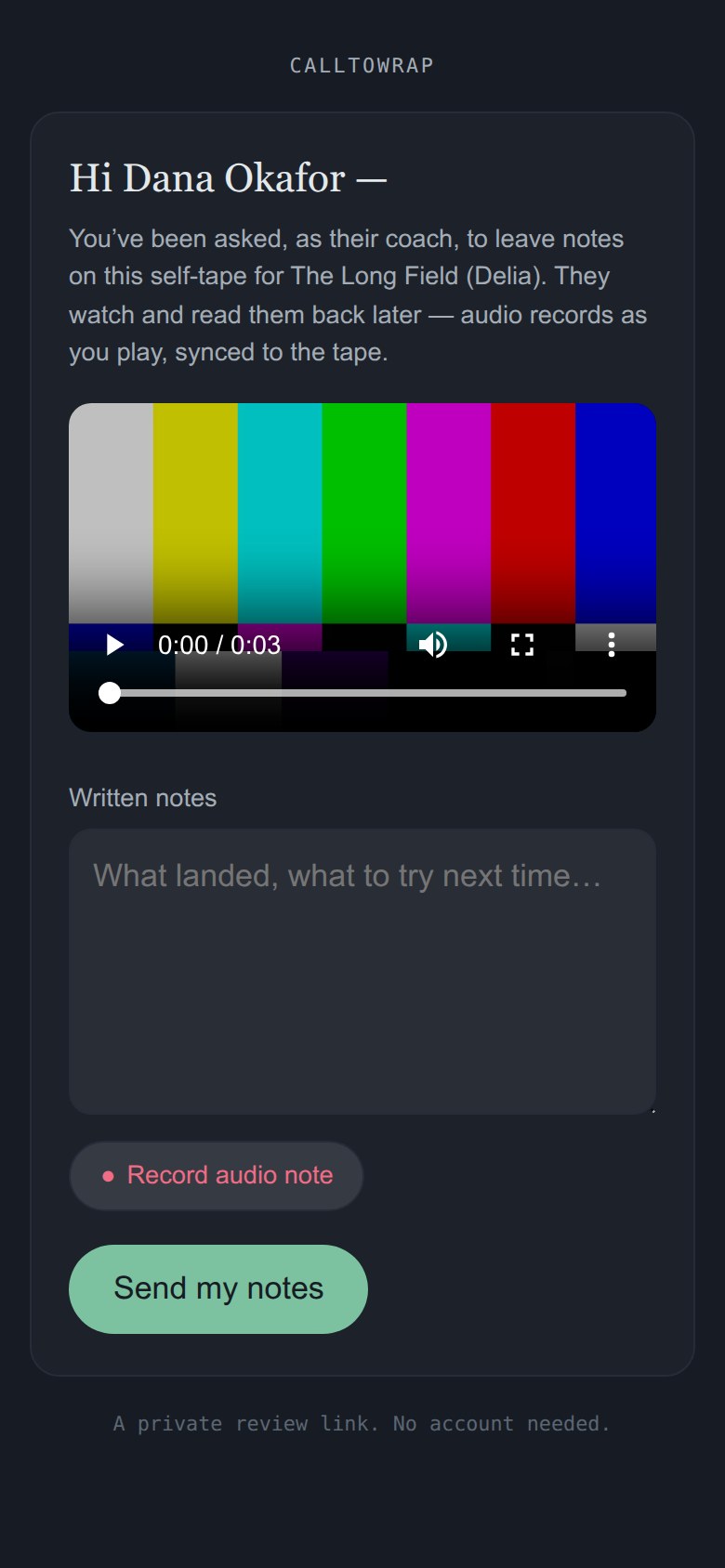
What does the coach see — and do they pay?

Only what you send, and nothing. CallToWrap is free for coaches, permanently. A link opens the one tape it was minted for. A coach who works with you regularly can hold their own desk — what students have sent, their notes history, a public page for new families — and is never a seat on your plan, never inside your account.

What a coach sees: one tape, with a place to mark moments and write notes.
What the coach sees.

Booked

What changes once I'm booked?

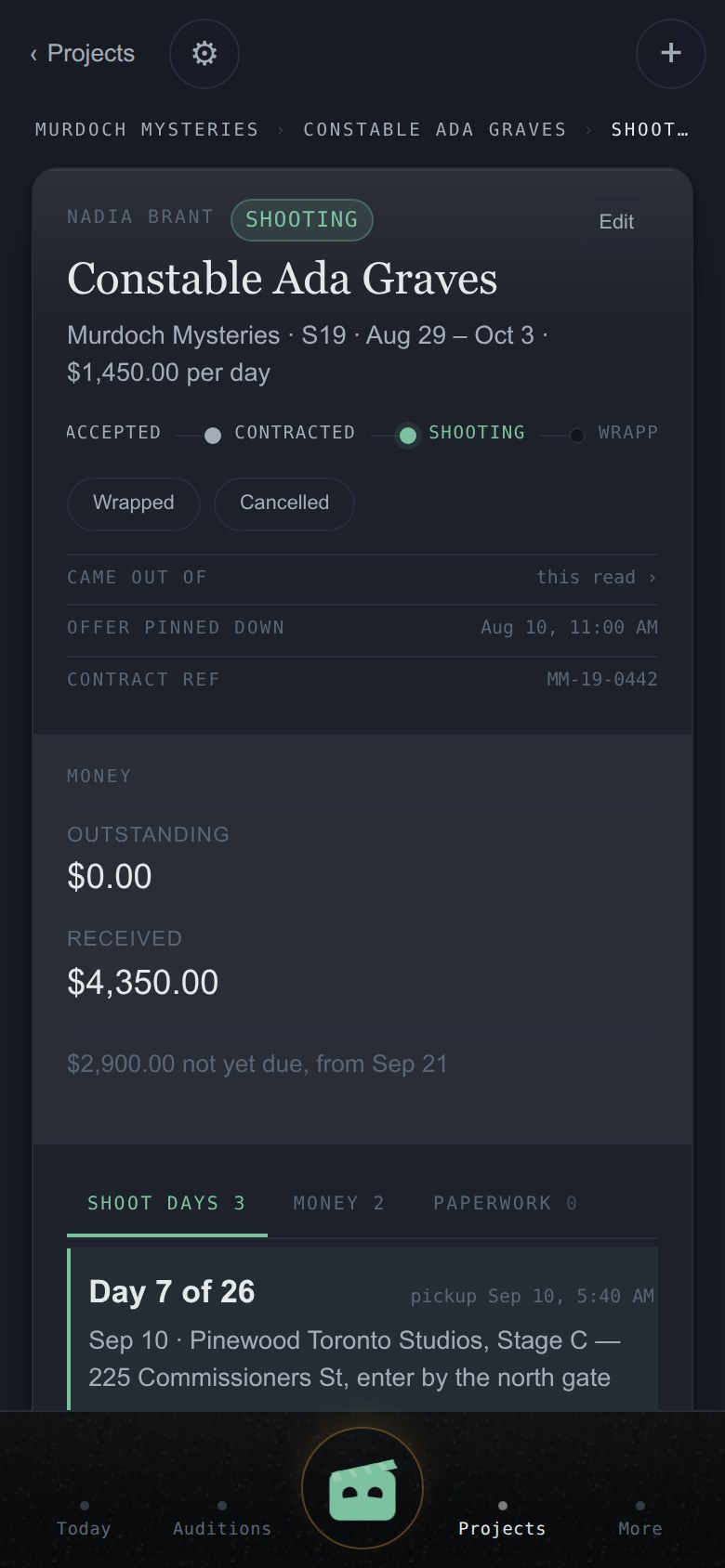
Before the booking, the app shows progress. After it, obligations. The booking's spread holds three kinds — call sheets, money, paperwork — each with its own tab and its own add door. Anything added here is born linked to this booking; it can never end up orphaned.

A booking: the stage, the money, the shoot days.
The booking.

What is the morning read?

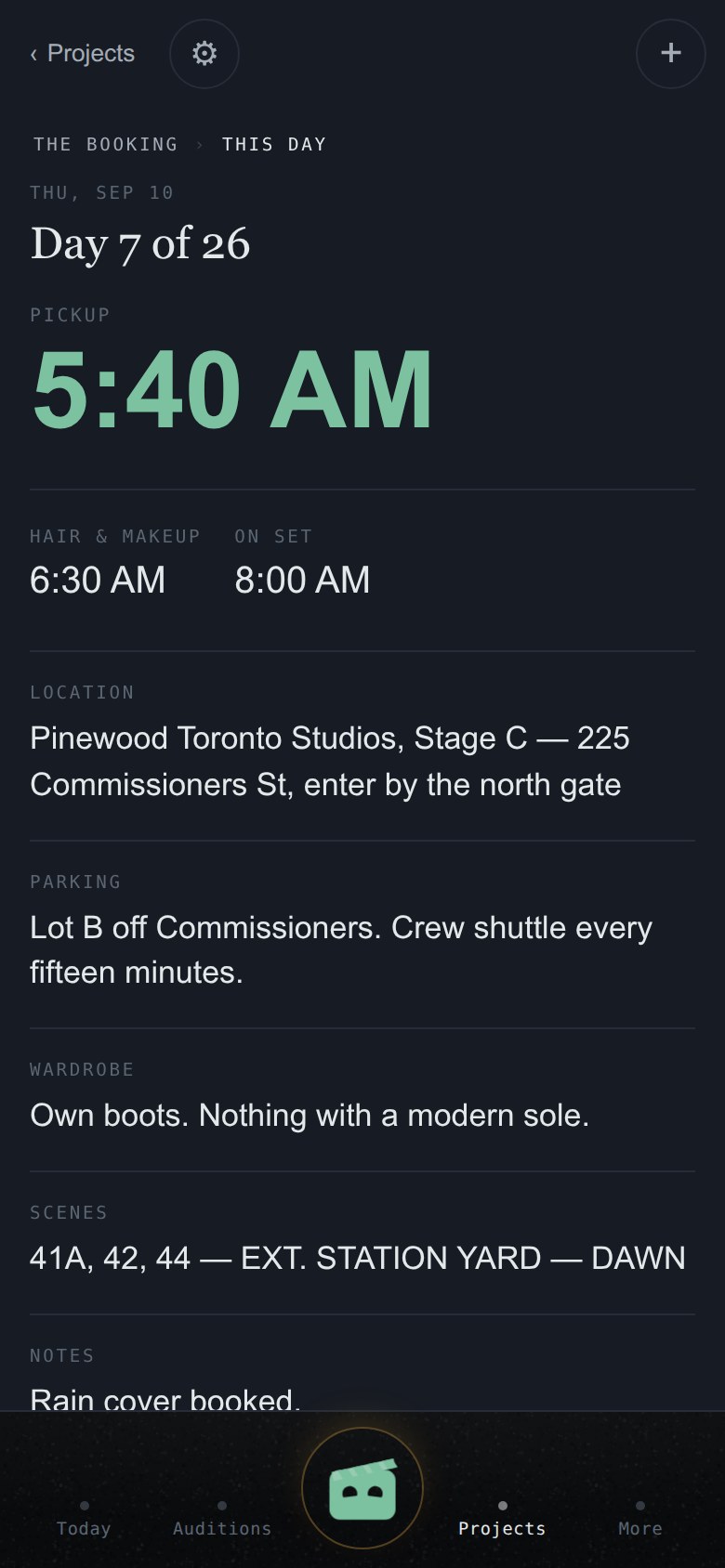
Each shoot day gets its card: call time, location, the day's essentials, and the original call sheet one tap away exactly as it arrived — because at 5:40 a.m. what you show the AD is the document, not a summary of it. The next one sits at the top of Today.

On Working, a forwarded call sheet fills this in by itself.

A shoot day's card: pickup, location, the essentials.
The 5:40 read.

Does it keep a calendar? Can I use my own?

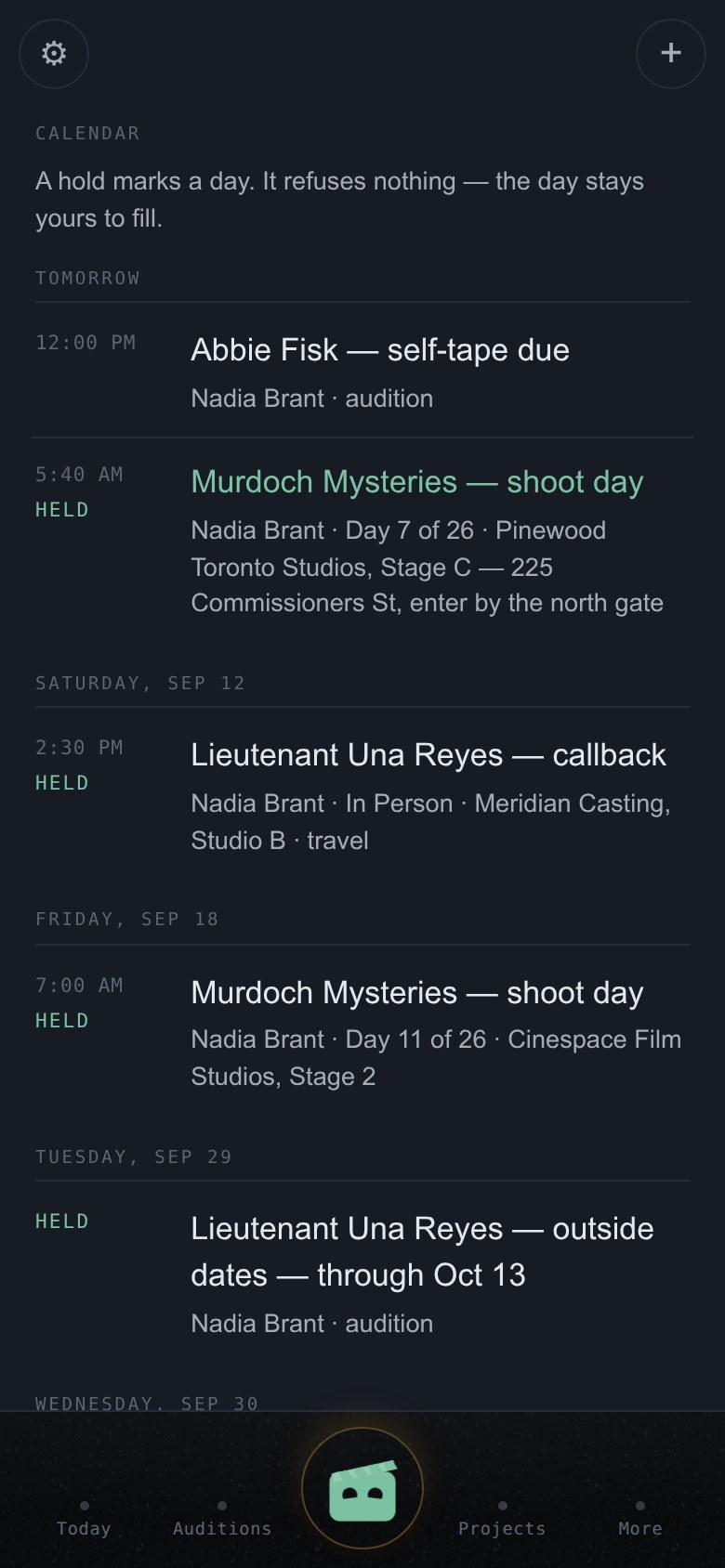
Both. CallToWrap keeps its own — every session, shoot day and due date, grouped by day, each row a door to the record it lives on. On Working, dates hold themselves: outside dates, callbacks and shoot days mark the calendar with the word held. A hold is a mark, not a lock; it refuses nothing.

It can also live inside the calendar you already use, one of two ways, chosen in Settings: a feed your calendar app subscribes to (the link is the key — treat it like one), or invites, one email per change. Apple checks a feed within minutes; Google polls on its own schedule, sometimes half a day.

The calendar: held dates, sessions, shoot days and due dates by day.
The calendar, with holds in the word.

Money

Where does money live?

Where it happened: payments on their booking, with gross, net and commission. The Money view gathers it across the career — what came in, what is still owed, and when. Late is loud, done is quiet: an owed payment past its date raises its hand; a received one rests.

On Pro, forwarded contracts are read into correctable proposals and feed what you are owed — the terms as written, never invented.

Does CallToWrap move money?

No. It states what is owed and what arrived. For a child's earnings it also shows the set-aside line — what should have been put aside for the performer, stated as arithmetic on the payment. It does not touch an account and does not bind you to any institution.

People and the record

What does a production look like in here?

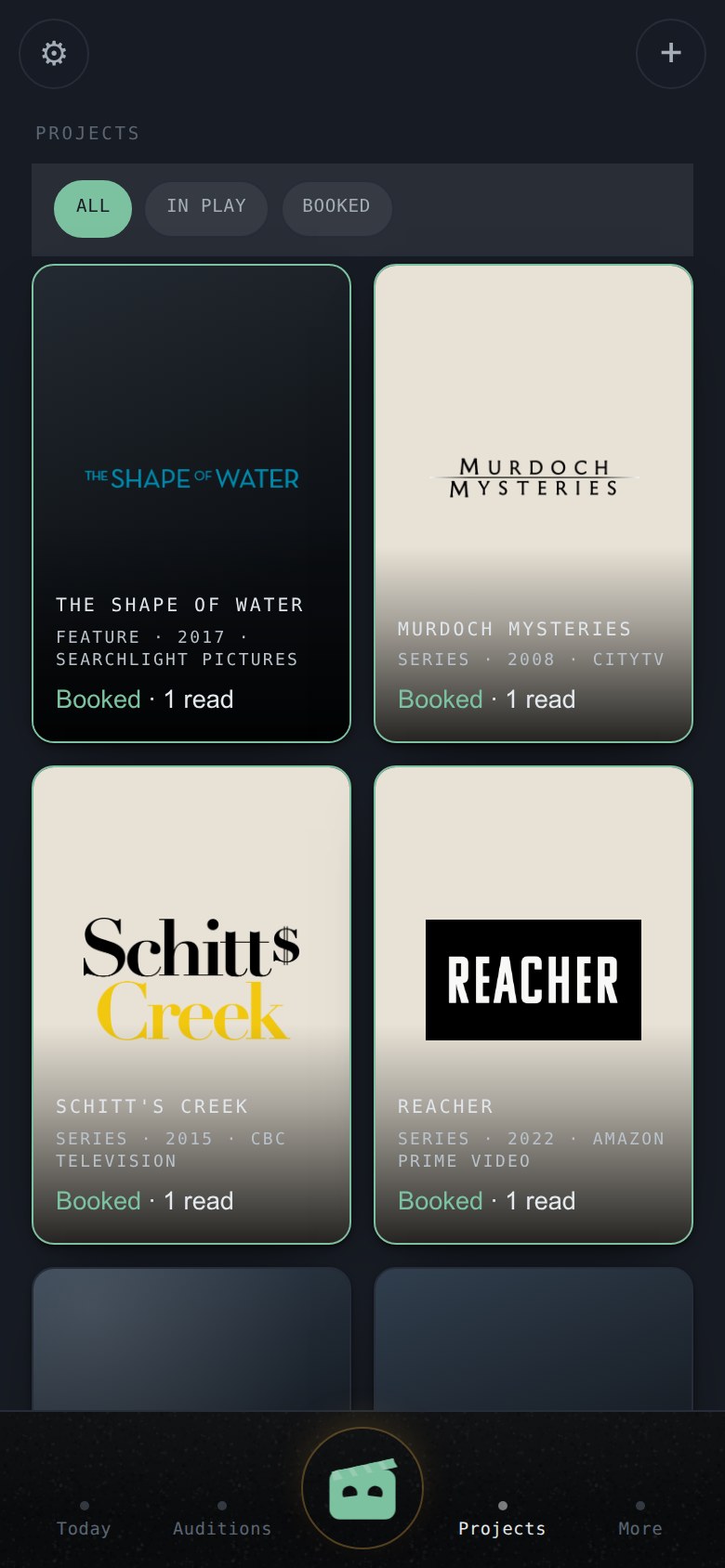
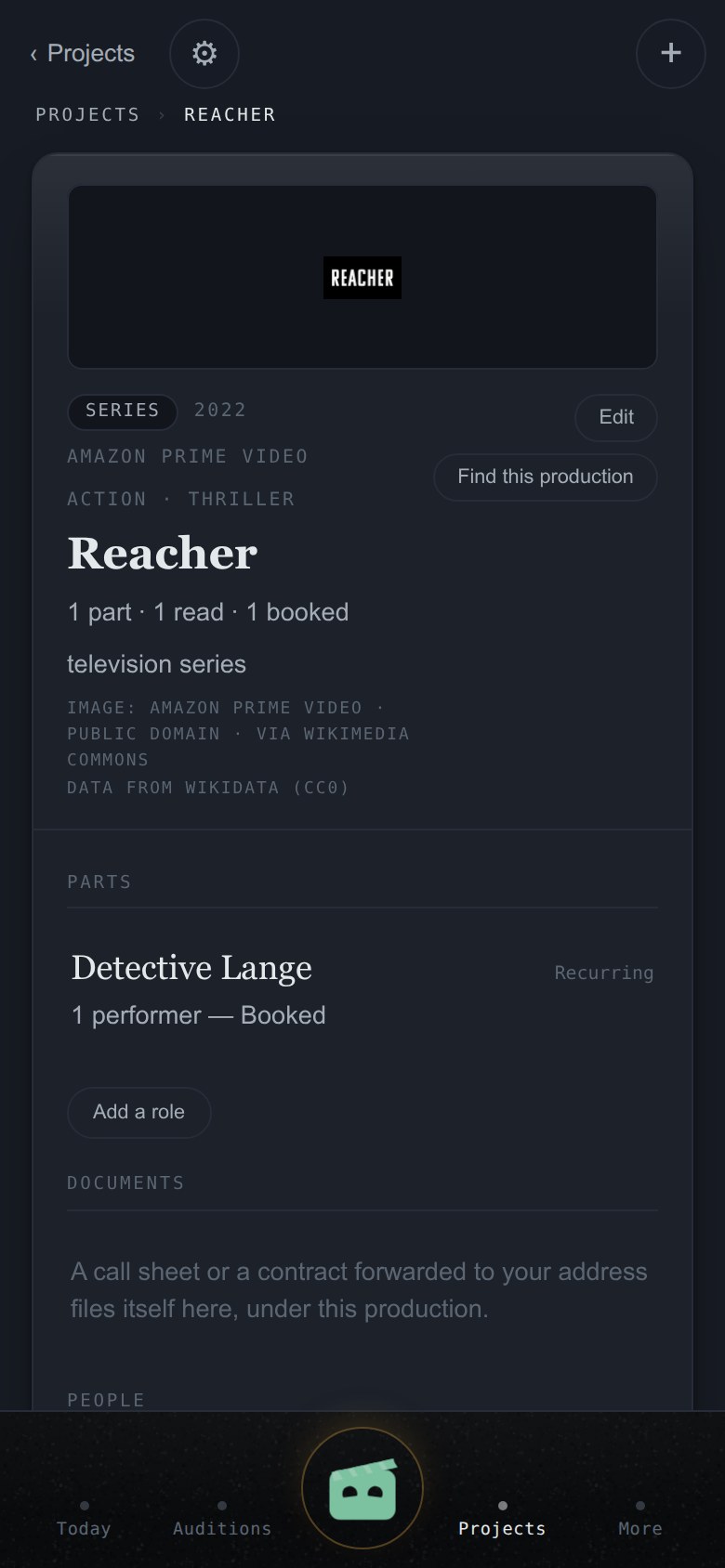
A tile, with its art. Ask the app to find this production and it looks the title up on Wikidata, offers you the matches, and — once you confirm one — writes the year, the network and a line about it onto your record, and brings a free image from Wikimedia Commons where one exists. Where none does, the tile carries the title on its own. Nothing is ever filled in without your confirming it, and every image says where it came from.

Open a production for its spine: the parts, everyone attached, the paperwork filed under it.

Projects as tiles, each with its production's mark.
Projects.

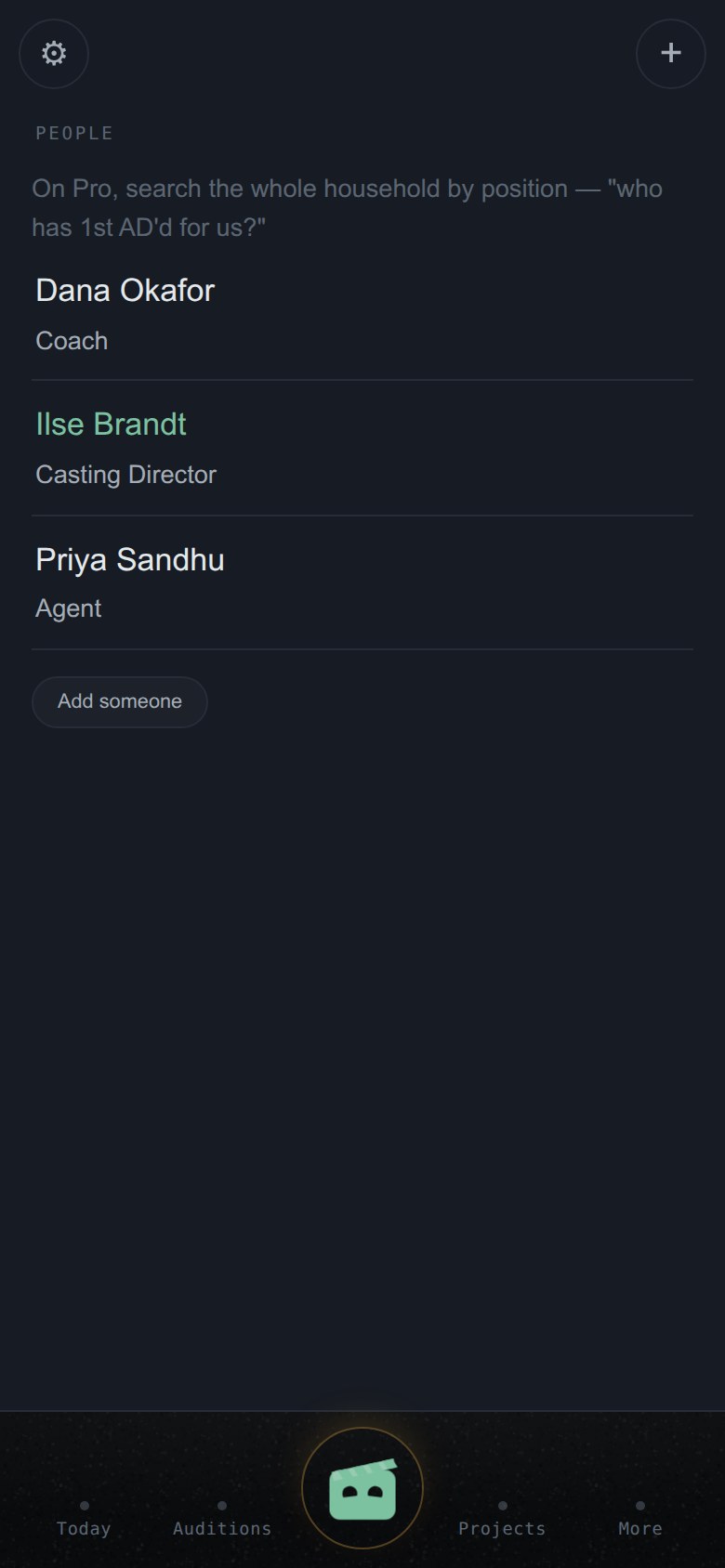
Who is in People?

Your account's working memory of the industry: casting offices, coaches, agents, crew you've worked beside. Two kinds of entry, honestly labeled — a name worth remembering, and a real working relationship with contact details on file. On Working it fills itself from your call sheets.

It is strictly your account's own record — never shared, pooled or compared with anyone else's.

People — casting offices, coaches, agents, crew.
People.

How does the resume work?

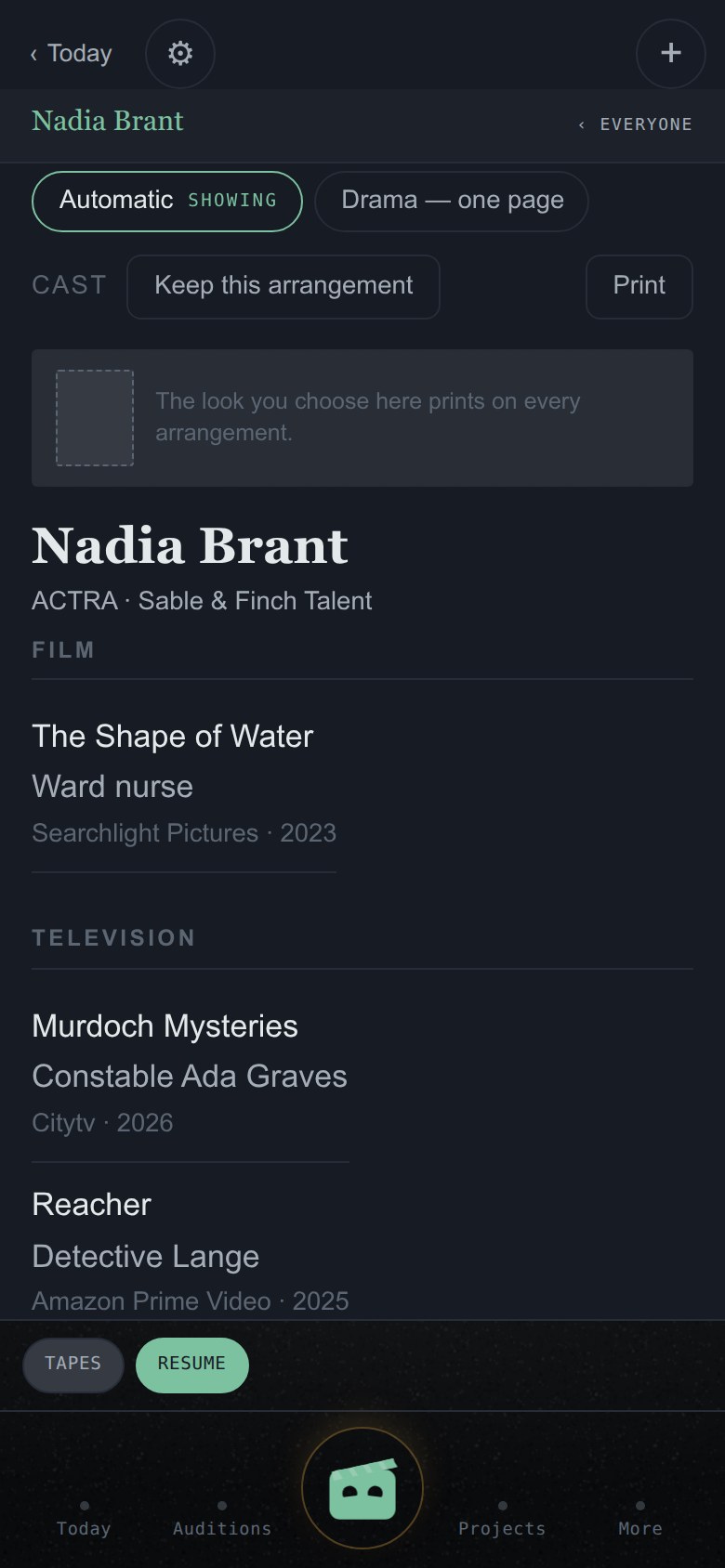
It writes itself. A credit is a job that really happened, so bookings become credits as they happen — cast credits by film and TV, crew credits by department — on the industry's one-page form with your name, union standing and representation at the top. Print it the day the room asks for paper and it is current as of that morning.

The resume as a profile: the face slot, the arrangements, the credits.
The resume, as a profile.

Can I choose which headshot goes on it, and how it's arranged?

Yes. The look you choose prints on every arrangement, and on Working the sheet becomes yours to arrange: keep a version — "Theatre 2026" — with its own order, its own choice of credits and its own headshot, and switch between them as the room asks. Every change answers with a receipt naming what moved.

I already have a resume on paper. Can I bring it in?

Press Bring an old resume. It comes back as proposals, credit by credit, for you to approve — your history is offered to you, never silently trusted. An imported credit prints identically to a booked one; there is no second-class credit.

Your account

Is it one account per person?

One account, one career. An adult signing up for themselves is the performer — nothing more to set up. A second career is a second account, at its own plan price. There is no family rate, and what you get instead is the reason: two careers never have to sit on the same plan.

Can a parent run a child's career on it?

Yes. A child cannot hold an account, so the adult holds it: you sign in, and the career inside it is theirs. Age is recorded when the career is made, because the regulations are real.

Nothing about a child goes onto a public page until the adult holding the account has read what publishing means and said yes — in plain words, not a checkbox. A child's page is never offered to search engines, and there is no setting that turns that on. No call times, no locations, no shoot days go on any page we publish, at any age.

Two children means two accounts, one career each.

Plans and your files

What is free, and what is paid?

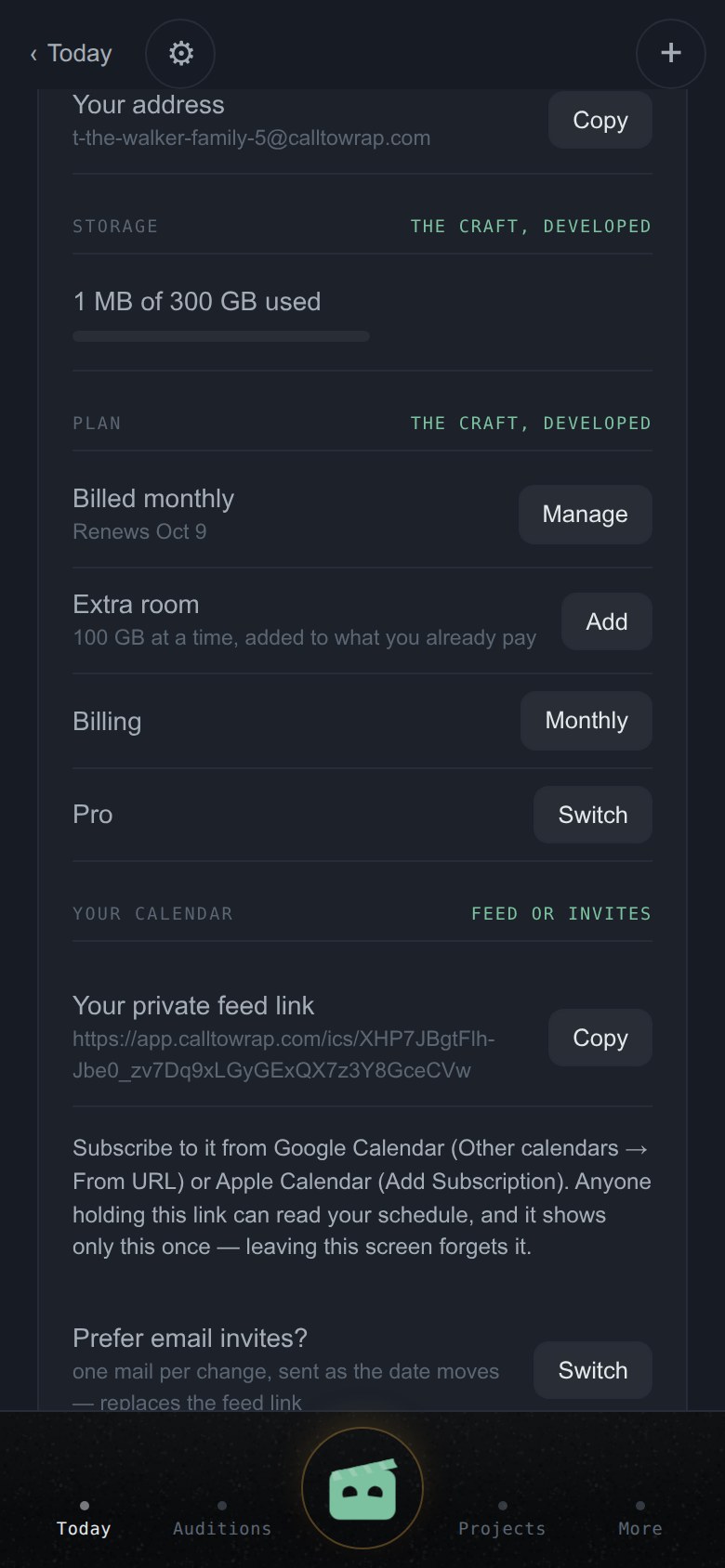
Three plans that follow a career's arc. Free — the audition, automated: forwarded breakdowns become auditions, tapes record and play, the coach loop works, one performer, 5 GB. Working — the craft, developed: call sheets become the morning read, dates hold themselves, People fills from paperwork, the resume becomes yours to arrange; 200 GB, kept forever. Pro — the full support office: contracts read into the money chase, every project's paperwork in one binder, your own name on what outsiders see; 500 GB.

The prices, side by side, are on the front page.

Settings: storage used and the plan.
Storage and the plan.

What happens to my files if I downgrade, or stop paying?

Nothing is deleted. Ever. A smaller plan changes what can be added, never what is kept. Your files outlive your plan.

Trust

What does it actually look like?

These are the screens themselves, as they run today — not mockups.

The screens above show a sample career on real productions. Production facts are from Wikidata (CC0); the images are from Wikimedia Commons and each is credited on its record.

Something refused. Now what?

CallToWrap fails loudly and in plain words. A refusal names itself and, where the server gave a reason, shows you that reason in its own sentence. If something can be retried there is a button; if it cannot, there is not — a dead door with a working handle is a lie, and the app does not keep them. If something looks wrong and the app has not said why, that is a defect and we want it: write to us at the contact address on the Privacy page.